
Zulu
-
Posts
49 -
Joined
-
Last visited
-
Days Won
4
Zulu's Achievements






-
Just been at the theatre doing a check…. Yes, it’s the power supply! You’re right, nothing wrong with the dimmer. Scratch this post. many thanks, Zulu
-
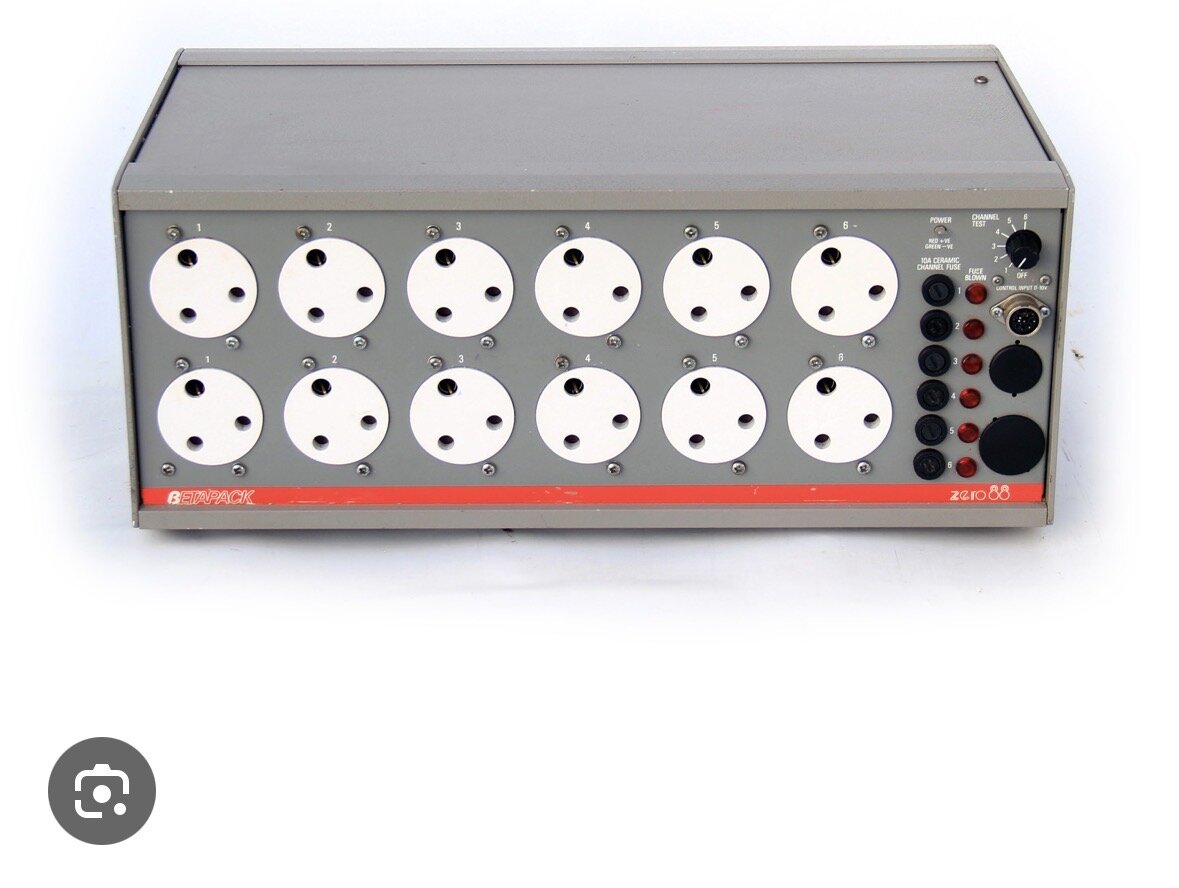
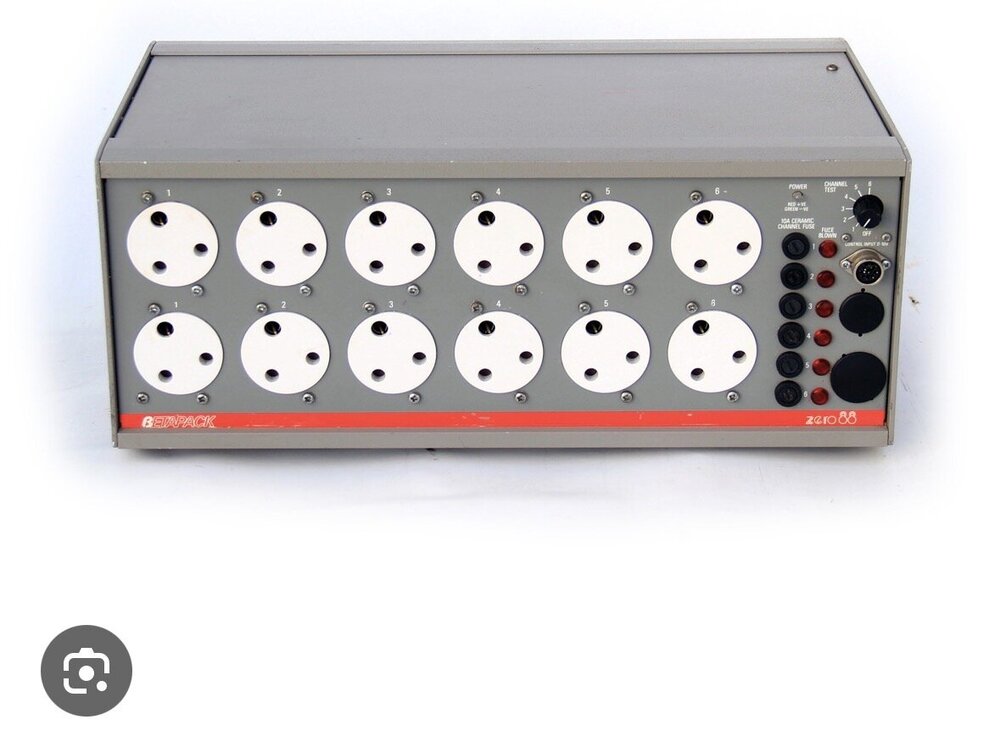
Hi, I have 24 channels of dimming, using 3 x Strand Act 6 dimmer packs, and 1 x zero88 beta pack. See photo. the Betapack didn’t power up tonight when switched on. No life at all. I’m hoping it’s just a fuse. Anyone got a manual, or instructions on how to check/fix this? many thanks, Zulu.
-
Hi, Archie. thanks for the advice on this . . . It worked as described on the actual rig, and we are now good to go for our upcoming show. many thanks, Zulu
-
Hi, Archie thanks for your consideration on this. I’ve just tied it on Phantom, at home, and it seems to work just as you described. Although I can’t really test it until I apply it at the theatre. (no lighting rig at home!) as this problem exists on several cues in my stack which use the moving lights, must I apply this solution to each following cue? Or is there a global solution for the entire Playback? (I notice your recommendation includes ensuring “This Cue Only” is enabled. thanks again, Zulu.
-
Hi. I’m using a couple of moving lights in various cues, for my theatre style cue stack on the master playback. move on Dark is set, and the light does as expected when entering the cue. But….. when moving to the next cue which does not need the moving lights, the moving lights visibly move and change colour during the fade-out. Not the desired effect, as I’m just wanting it to fade before moving. any thoughts? many thanks, Zulu
-
No, not tried that. I’ll give it a go. thanks.
-
Hi, I have an FLX S24. For a music gig, I’ve got certain fixtures set to a particular colour and saved to a playback. I’ve then got the same fixtures set to another colour on another playback. When I introduce the 2nd playback, I get a sudden jump to the new colour. The intention is to be able to cross fade manually from one colour to the other without a visible colour jump. ive watched Ed’s excellent Playback mixing video, and sort of understand why it’s jumping, but not sure how to avoid it. many suggestions? ta. also a quickie…. How do I clear the desk of everything except the patching, to start a new show? I normally just continue with deleting playbacks and renaming the show, but I may have some settings which need restoring too.
-
Yep, that worked, Ed. Many thanks. cheers.
-
Ah, so many options! great info. Many thanks, Ed.
-
Quickie…… how do I press and hold a key on the phantom zeros, eg to view a different playback cue stack? ta, Zulu.
-
Thanks for this, Ed. It sounds like a plan. I’ll see if I can implement it tonight. It seems to make sense. cheers, Zulu.
-
Hi. I,m using my FLXS24 with a cue stack on the master playback, as usual, for our latest play. At a certain point, the script requires a helicopter to cast a search light in a particular pattern across the stage. In the absence of an actual helicopter, I’m using my Chauvet Intimidator 155 to move the beam in the pattern. ive used a separate playback to create a sequence of moves over about 8 cues. Each cue triggers the next cue, to create a continuous sweep. I have this playback triggered by the main cue stack on the master playback, layering searchlight on top of the current lighting state. this works well, except the moving light illuminates and sweeps from its default position to the required start position. Exactly what Move on Dark should address. Move on Dark is enabled on both playbacks, but the light still lights up before moving. any suggestions. many thanks, Zulu.
-
Ok, thanks, kgallen and Ed. Big help. Cheers.
-
Hi. I have an FLX S24, and am a novice to moving lights. I have a pair of Chauvet Intimidator Spot 155. I’m wanting the default or home state to be dark. It’s currently defaulting to 100%. does anyone have experience of how to fix this? many thanks.
-
Hi, Ed thanks, I'll correspond via email.