All Activity
- Past hour
-
Ah - after re-reading my post I realised I mis-interpreted part of your post! I apologise. But yes, that would definitely work loading the FLX S show file into Phantom ZerOS and editing it while emulating a FLX console to create a user macro. The only thing you'd run into is once loading the show file into the FLX S, re-saving it and then needing to create another chase later down the line, you'd need to re-construct the user macro again on Phantom as it originally won't have been loaded in to the FLX S.
- Yesterday
-
Yes make sure you produce the chase with the macro before transferring! 😅
-
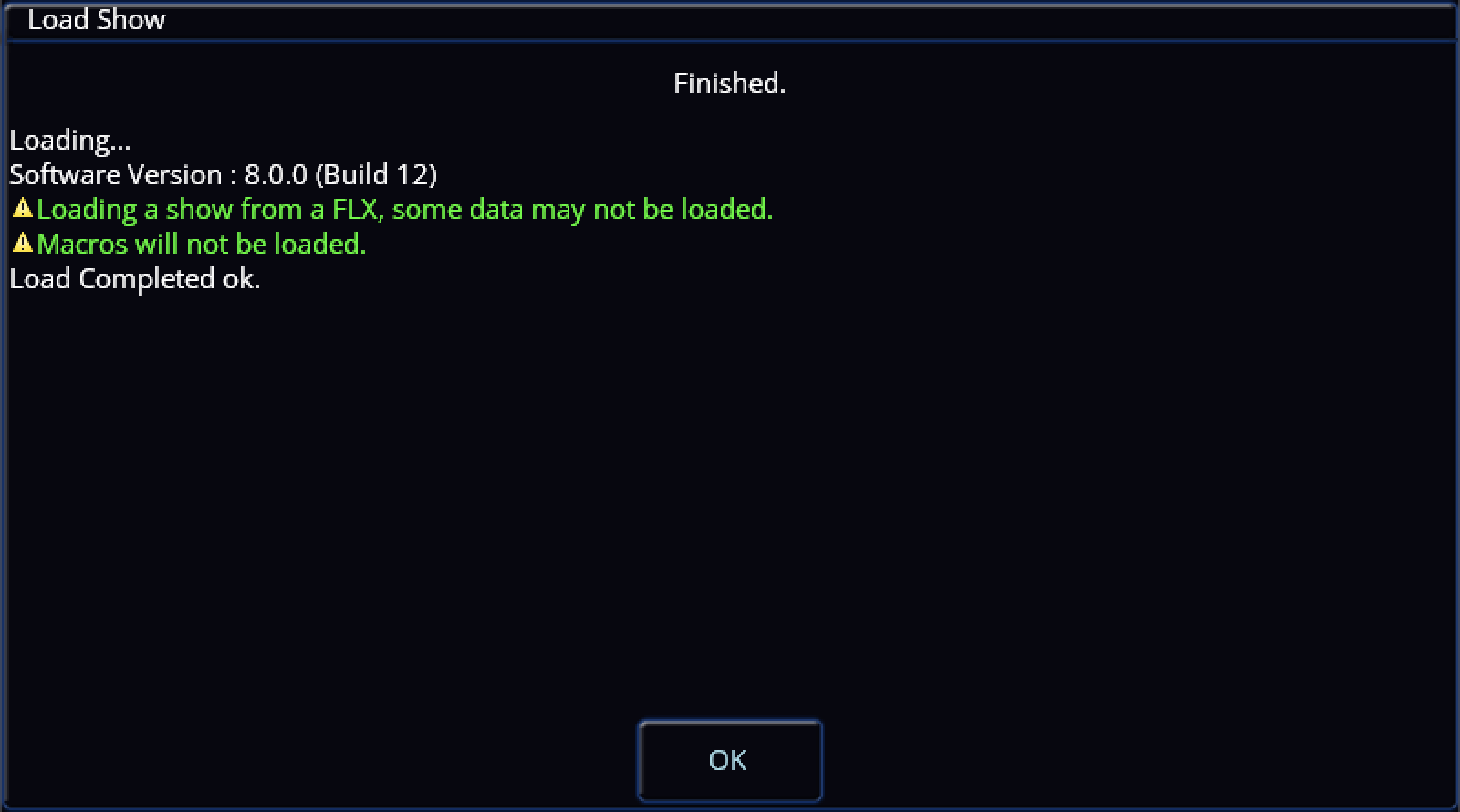
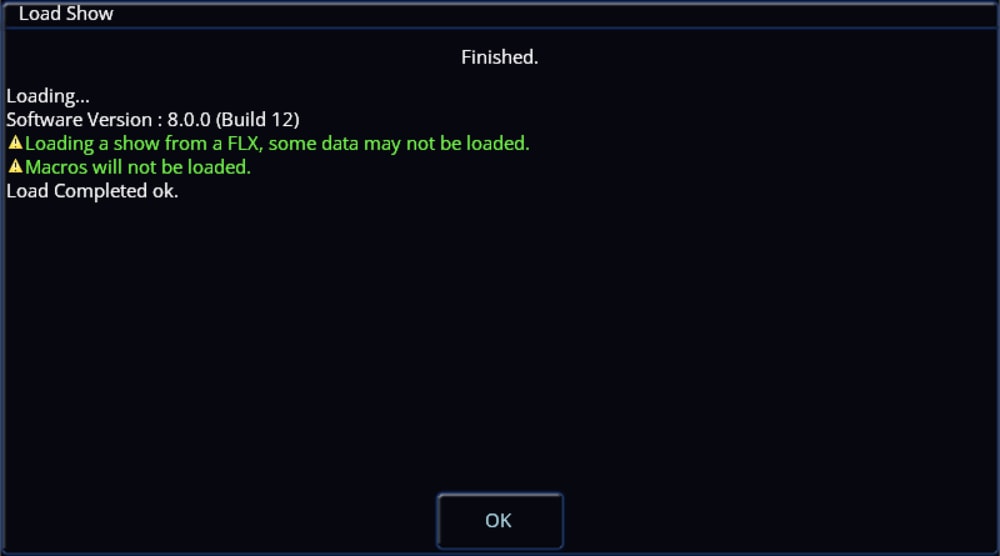
Just for clarification, when loading a show file containing User Macros into a FLX S console, they will be disregarded and not transferred over. Hope this helps. Archie
-
 Maikal joined the community
 -
I've never had time to try it in the end, however I was once trying to do an intensity effect over 300 pixels, and at the time Edward suggested to write a Macro to do the hard work for me. You can't natively do Macro's on FLXS, however you could load your showfile into PhantomZerOS in FLX mode, create your macro and chase, and then load your showfile back into your FLXS (possibly?! - lots of maybes in this 😃)
-
Thanks DALX. I'm fine with getting different colors in each cell/pixel/whatever, but I want them to change one at a time in sequence like this demo Pixel chase.m4v
-
Try this Colour Fan approach. FANNING Select the 38 batten channels by pressing and holding the first batten flash button, then selecting the last batten flash channel button. This will light up all 36 channels. Then press the Z key, use the first encoder wheel to bring up the Intensity on all 38 batten channels to what level you want. Then select Colour Picker, use two fingers to select the range of colours you want fanned across the battens, record this as a cue. Then select the end colour you want the battens to be in, record this as a cue. Use an auto follow-on to go from the first cue to the second. You can fan across the whole spectrum or just a short range horizontally, or you can fan across saturation vertically.
- Last week
-
I have some battens forming the ground row for lighting a conference set. Normally I'll have a number of static states which I can cross-fade between (leaving the presenters' lighting on seperate control on the first 12 channels). What I want to do is to create a wipe across the set to change colour state; the Colorado144 battens conveniently provide a total of 36 cells across the stage. I've done this by creating a palette for each look and recording each step advancing each cell as individual steps either as a chase or as a series of follow-on cues with step times of 0.2secs, and the look (on the workshop bench) is exactly what I'm after. However this will get a bit tedious plotting every wipe. I am wondering whether Multicell might help? I have tried 2 different methods to get the same result - (A) Assign each cell as a different RGBWA fixture (e.g. 13 - 48), or (B) Assign each fitting with attributes (e.g. 13.1 - 24.3). Recording a wipe on our FLXS, after setting everything up including the colour palette, (A) requires 4 button presses per step, (B) requires 10. The question is whether there is an easier way of creating this "wipe". This has also made me wonder if there is a way of adding default Trigger and Wait Times for recording sequences like these. Using either method, when I run this wipe sequence, the desk instantly sets all the pixels to a fixed colour. If the wipes are run in a pre-programmed order, this is not an issue as the last colour from the previous sequence is used. However, if I want to run the sequences in a random order to match the mood, this jump to another base colour becomes apparent. Once recorded using either method, it can be played back either as a chase (using just 1 cycle) or as a sequence of auto-follow-on cues. I remembering the days of running shows on a Strand Century Palette 30-ish years ago, any chase could be assigned an attribute of (i) forward/back, (ii) bounce on/off, (iii) random on/off, (iv) build on/off, and (v) invert on/off. I've almost certainly got some detail wrong! These could be added to any effect, even on-the-fly. Any chance of something like this on the FLX? Sorry, this is a lot of questions for a very small desk!
-
Just putting what I posted on the Zero 88 Users Group here in case anybody needs a solution to the same problem.
-
Hi Peter, I've just replied to your post on the Zero 88 Users Facebook Group. Give it a go and let me know how you get on. Archie
- Earlier
-
Is anyone experiencing the same problem I’m having. I’m operating on software version 8 build. Operating 3 Chauvet Rouge 2 wash moving heads. When I fade out pressing the go button on the main stack the Moving heads, instead of just fading out and staying in the position they were programmed in they move to the home position with the colour going back to white. Because of that the Move on Dark doesn’t work so when I press the go Button again the lights in full view move to the new position. Exasperating. Anyone any ideas to correct this. I didn’t have this problem with any other software version Peter Allman
-
Fantastic to hear it is working. Please feel free to ask any more questions if you have any. Archie
-
You're a star. Took me a minute to get the ports talking, but it is working beautifully.
-
 Brian F joined the community
 -
The Vari-Lite service department has been very helpful. Thank you Ryan and Kgallen.
-
@kgallen PM sent.
-
I don't have a Jester or any service information sorry, but you might want to check out my post below to see if you have a similar issue. Actually... looking through my emails, seems we've already conversed on this on the Blue Room. Sorry for the repeated info, I guess that's not the issue then? Also on a PM on BR I gave you some instructions for contacting the current support. Did you use those?
-
I don't have a Jester or any service information sorry, but you might want to check out my post below to see if you have a similar issue. I will also send you a PM.
-
Hi I have a Zero-88 Jester ML24 lighting controller. It gets used for local charity and non-profit shows. I suspect there is an internal fault with how the faders are multiplexed. The most obvious fault is that the Grand Master fader will only go to 75%, but operating other faders will make it go to 100% as they get to full travel. In test mode, the flash buttons work correctly, but the associated fader will not be 'read' correctly, however another nearby fader will operate in place of the desired one. There is a new battery installed, the desk has been reset and the last available firmware and fixture library installed. I've made up and tried a new ribbon cable assembly in case the original was faulty. Is it possible to get internal schematic diagrams for this desk so I can get busy with a 'scope and meter? Thank you.
-
Hi @CestM0i64, In ZerOS, Playback 0 is the master playback, so using OSC (e.g. /zeros/cue/go/0/20) will go to cue 20 in the Master Playback. Therefore, Playback 1 will be go/1/<cue number>, and so on. Hope this helps, feel free to ask any more questions you may have. Archie
-
As per this article I'd like to trigger a cue using OSC. https://www.zero88.com/manuals/zeros/setup/triggers/osc-examples Is the master fader addressed as 1 and then subsequent faders are incremented e.g. Master = 1, playback 1 = 2 or does it have a separate address e.g. 0, M? I'm not currently at the desk so trying to get ahead of the game before I go to programme a show in a couple days where I'd like to trigger some cues from QLAB when they coincide with SFX & VFX cues.
-
Thank you so much!
-
Your fault is probably in “cue 2” where there are blocking values that stop the mover prepping for “cue 3” but in your real cue list where you’ve been copying what I said in previous posts is most likely the case. I’m assuming here you haven’t deliberately set ‘Don’t Move’ in any related cue Cue Settings - if you have that’s self explanatory!
-
See also
-
See https://www.zero88.com/manuals/zeros/cues-playbacks/playback-settings/advanced?filter=2 for whole playback unblock.
-
Copying cues results in blocking cues when you paste. You will see white intensity numbers in the output screen. 1. Save your show. 2. GO into a cue you copied to, which shows the white intensity numbers. 3. Press and hold UPDATE to bring up the options window. Ensure SmartTag is enabled (red stripe). Press enter (or tap the playback go button) Blocked values should change from white to purple (tracked) (unless you subsequently changed them after pasting in which case they will be blue or green) and now your move on dark into that cue should work. 4. Repeat for other copy-pasted cues. Note: There is a method to unblock a whole playback in one go but I can’t remember where that option is. Check the manual. 4. Check the results on stage.
-
Our show (opening in 2 days) is now lit, but in the process (including inserts and copying), for some cues the movers do not move on dark. ('Move on dark' is set on the board, a FLXs 48). I assume that in the editing process, somehow the move on dark or track forwards functions have been corrupted in one or more cues. Simplistically, if I had 3 cues: 1. mover (working) 2. dark 3. mover (moves to position when cue activated) In which cue is the fault likely to be? Do I need to delete the cue and re-enter, or is there another fix? Many thanks.