All Activity
- Past hour
-
Hi Zulu, No worries - fantastic to hear everything’s working as intended now. Best of luck with your show! Archie
-
Hi, Archie. thanks for the advice on this . . . It worked as described on the actual rig, and we are now good to go for our upcoming show. many thanks, Zulu
- Last week
-
Thanks, that’s useful.
-
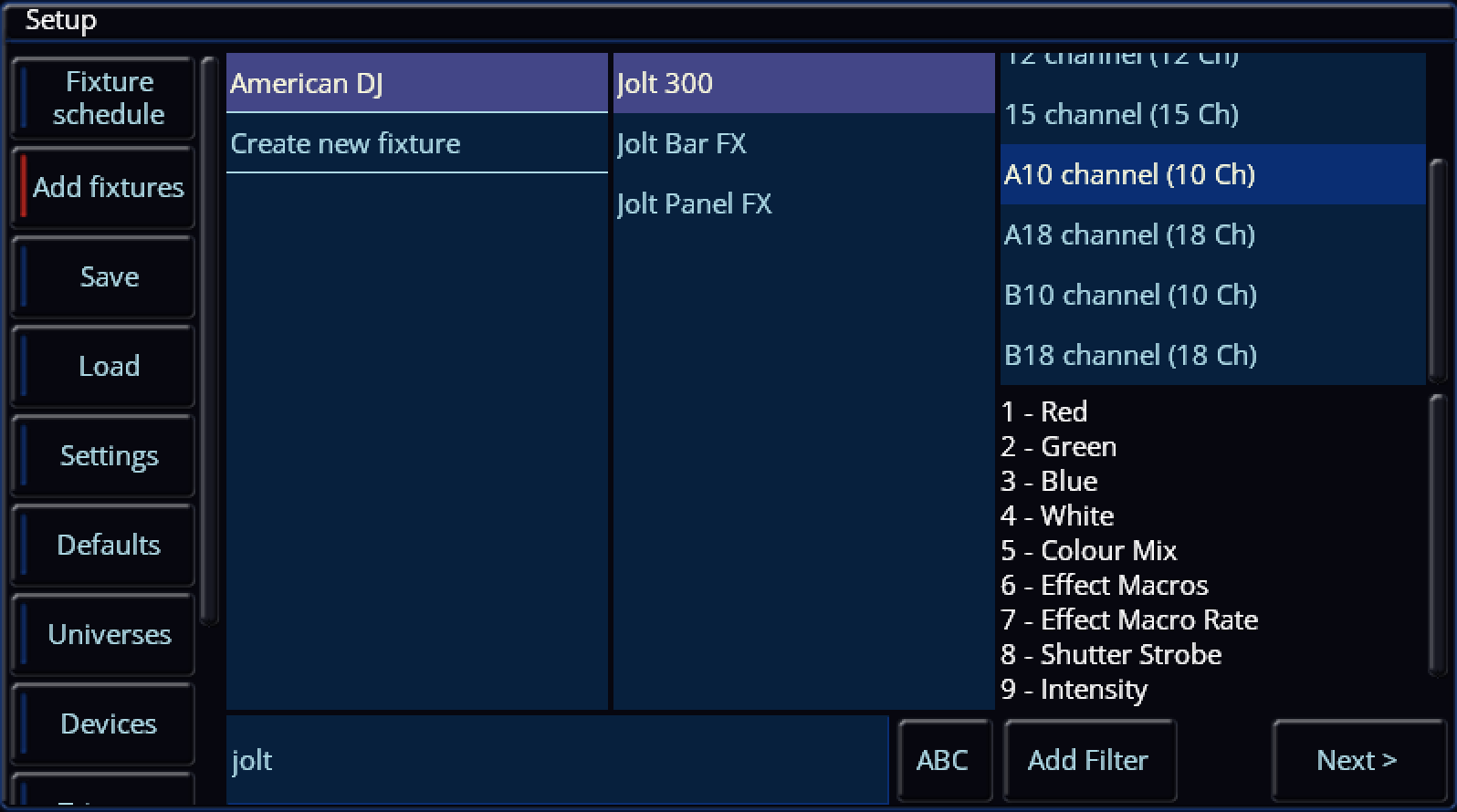
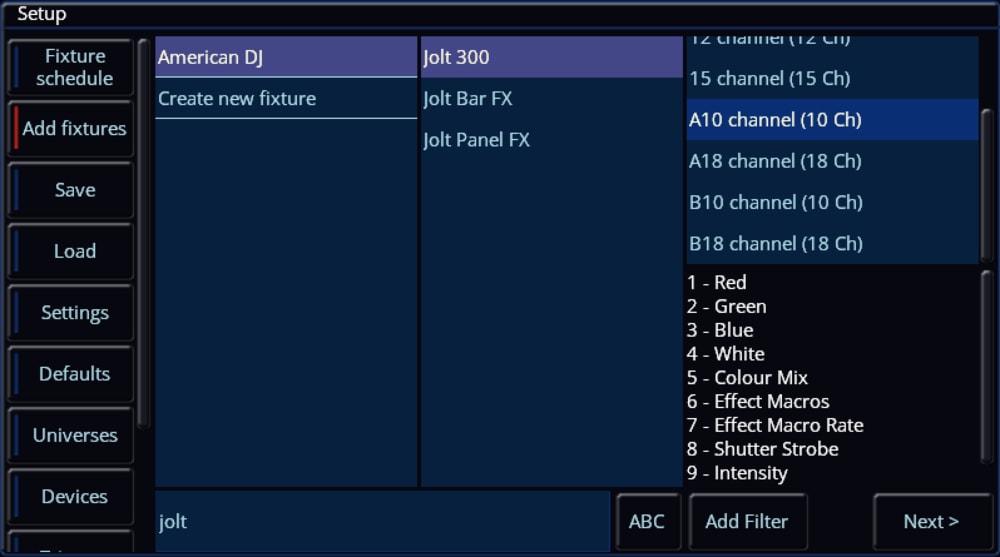
Hi @Petera, The ADJ Jolt 300 is available in the ZerOS Fixture Library on the console, therefore you won't need to match the channels to another fixture in the library. Archie
-
Hi Brian, When a playback with values stored is raised or active while recording a cue, those values are stored into that newly recorded cue. You can circumvent this by disabling Smart Tag in the Record / Update Options window (tap RECORD or UPDATE, then tap again to exit - selection will be stored). When Smart Tag is disabled, values coming from other active playbacks will not be recorded in, preventing slip-ups. The source options at the top of the Update Options window are effectively a way of telling the console what things you want to update in a single operation. It can be added to via syntax, e.g. UPDATE (the cue I am currently in is automatically in the source options), AND 2 (adds cue 2 to the source options, to specify cues from other playbacks at the same time use Playback Number/Cue Number). This means the console will be updating both the cue I am currently in as well as cue 2 with the desired 'Remove' operation. You can tap various items in the source options area to exclude them or add them, indicated with red and blue stripes. Correct - the values would be stored inside the recorded cue within the main stack, therefore they need to be removed from the cue. To remove a fixture entirely from a cue, you can follow my listed steps in my earlier post but leaving out the un-tagging of Intensity. Go into the cue, simply home the fixture(s) to tag all parameters and then remove from the cue via Update. I hope this helps - if you have any queries or require further explanation feel free to ask. Archie
-
Hi Zulu, No worries, glad to hear the solution worked on Phantom ZerOS for you. To 'fix' an individual cue, repeating the steps listed would work perfectly. However, if you have a range of cues together which all have the same problem, you could attempt using Track Forwards in the tracking options along with 'Remove' within the Update Window, but be aware of potential blocked cues. If the values that cause the movement and colour change during the fadeout are tracked through to following cues, then Track Forwards will work alongside 'Remove'. You can alternatively use Cue Only in the tracking options within the Update Window and simply use syntax (UPDATE 3 THRU 7), which would apply the 'Remove' to all of those cues for tagged parameters. As the issue you're facing is rooted from information stored in cues, the cues themselves must be updated to remove that information. If you have any other questions, please feel free to ask. Archie
-
I’m a relative newbie and still getting my head around a few of the concepts (remove being one of them). A few days ago I managed to accidentally record another playback into my main cue stack while I was editing. I’d recently saved the show so the quickest option for me was to reload a previous save as it was in the middle of a rehearsal. I now realise how I could have relatively quickly removed the offending fixtures from that explanation. I vaguely recall however seeing seeing source options at the top of the update / record screen so I’m now also wondering if that can be used in a similar way to remove the incorrect playback as a source? Is that possible for the next time I make a similar mistake? edit, Thinking about it though I’m assuming the answer must be ‘no’ as once I’ve updated the main cue stack that becomes the source rather than the playback so I’d have to resort to removing the relevant fixtures.
- Earlier
-
Hi, Archie thanks for your consideration on this. I’ve just tied it on Phantom, at home, and it seems to work just as you described. Although I can’t really test it until I apply it at the theatre. (no lighting rig at home!) as this problem exists on several cues in my stack which use the moving lights, must I apply this solution to each following cue? Or is there a global solution for the entire Playback? (I notice your recommendation includes ensuring “This Cue Only” is enabled. thanks again, Zulu.
-
Hi @Zulu, It sounds as if the cue in which your fixtures fade out have position and colour information too. To let these fixtures fade out without any movement or colour changes, we need to remove that information from that cue. First, save a copy of your showfile so you can revert to it if needed (Z/Shift -> Save Show). Now select your problematic cue (the one to fade out the fixtures) and tap GO to proceed into that cue. Select your moving fixtures, then tap the Home icon (top left of the internal touchscreen). This homes & tags all parameters for the selected fixture(s). Now, we want to un-tag only the Intensity parameter so that the intensity of the fixtures still go to zero (e.g. that information is preserved), instead of previous values tracking through. To do this, tap the Z/Shift key, then tap 'Intensity' above the first encoder wheel - it should switch to have a dark background. That parameter is now un-tagged. Now tap the UPDATE key (you may have to hold it for the Update Window to appear on the internal touchscreen, this behaviour can be adjusted in SETUP -> Settings -> Record & Update), ensure 'Remove' has a red stripe (enabled) and Smart Tag has a blue stripe (disabled). Also make sure that 'Cue Only' has a red stripe so that we are only dealing with and affecting this cue. Tap your Master GO button to submit the update. You should now find that the fixtures fade out without changing position and colour. If you have any questions feel free to ask. Archie
-
Hi. I’m using a couple of moving lights in various cues, for my theatre style cue stack on the master playback. move on Dark is set, and the light does as expected when entering the cue. But….. when moving to the next cue which does not need the moving lights, the moving lights visibly move and change colour during the fade-out. Not the desired effect, as I’m just wanting it to fade before moving. any thoughts? many thanks, Zulu
-
 Denis Twomey joined the community
 -
Many thanks Archie, I'm happy to have a go but my committee are a bit less enthusiastic. I tried White Light but had trouble creating an account. I confirmed my email but get a never-ending spinny circle when I log in. Will try again next week but you've given me a backup at least.
-
Hi Simon, It is extremely unfortunate that Ian passed away, he is definitely missed. Regarding the wheels - there is a tiny PCB on each wheel held by four plastic clips (two latch over the PCB and two stick up through holes on the PCB). If this PCB comes out of those clips and slides out slightly, the contacts don't meet the wheel and so the wheel's movements are not read correctly. If you don't get anywhere with White Light as kgallen has suggested, and are confident with opening your Solution up (the front panel along with the palm-rest hinges up from the base to an extent) then it may be worth checking those PCBs. If all PCBs are seated correctly and the wheels still do not respond correctly, it would be worth looking into spares. Hope this helps.
-
Hi Edward, Apologies for the delay, things have been rather busy this end. Thank you for your advice - when things have calmed down a bit I will have a look into the BIOS instructions, thank you for the link. I'll let you know the outcome. Many thanks again, Archie
-
If you really think this is correlated to start/end of show I would have a good think about what electrical disturbances could be happening in the venue. Tea urns, house lights, that sort of thing. I got into the habit of always using a small computer UPS with my lighting (and sound) desk just to cover those brown-out situations that can occur on electrical systems and cause computer-based devices to crash or restart.
-
Ah, sad news I must have missed. I'll try White light. Thanks S.
-
So idk what to do. I have a FLX S24 and have used it for a while now. It has started to have an error where the desk seams to “reset” without doing anything. This causes the lights to lose their DMX and enter their standby modes (some of them start moving randomly and quickly changing colours, most just turn off) and then after less than a second it comes back. It isn’t a DMX splinter issue as it happens across both universes. The desk doesn’t seam to change. And it is happening move frequently mostly when the audience is leaving and entering which is becoming more of an issue. Any help will be appreciated. I can send more details if required
-
I’m sorry, Ian unexpectedly passed away a couple of years back. I think your only call is someone like White Light (who I believe had his spares stock).
-
Is @iank99 still around and servicing Zero88 desks? I have a Solution desk that needs some tlc - sticky faders, unreliable wheels. If not, are there any up-to-date recommendations for who to contact? Cheers, Simon
-
There is an oddity with the FLX grand master (and inhibit masters) in that they do not take effect until they have been taken to full from zero. If you turn on an FLX with the master physically at full then the first time you bring it down nothing happens. Pull it down to zero, put it back to full and it will work. If the fader needs attention (doesn't go to FF in test mode) it will never work (because you can't take it to full). Not saying this is the problem here but you do need to eliminate it.
-
 NeilStarks joined the community
 -
@RJP / @DMH this looks like an FLX query rather than FLX S. Would you be able to move to the FLX forum? Thanks.
-
Hello is your Grand Master Fader set to Grand Master? (Hold Setup - press Blackout Button - tab Grand Master in the Fader Function)
-
"FLX running recent ZerOS update. Grand Master fader has no effect on channel faders in Channels mode. Previously used Grand Master to blackout all channels during a show. Individual channel faders work correctly. Playback faders also not responding to Master fader. Has Grand Master behaviour in Channels mode changed in a recent update? How do I restore this functionality?"
-
 FLX 45 joined the community
 -
I have been doing what you describe. It does work for me but there are limitations. The first is that you cannot separate speed and size. When you use the fader to control FX it has to control both speed and size. The second is that for most of the faders travel you don't get a visible effect just a messy mixture of colours until the fader reaches about 75% and the speed/size has to be adjusted in the last 25% I don't use colour mixing faders though - my colours are set by a playback with a cue for each colour and I use OSC to trigger the cue for the colour I want.
-
Hi Archie, That's correct - the ZerOS Startup Tool only allows ZerOS .exe installers to be loaded. If you have tried various USB drives of different sizes, each formatted with ZerOS 7.8.2.39, and you have tried different USB ports, but the console is refusing to boot into the installer, it may be worth checking the BIOS is configured correctly. From memory, these instructions for Orb will also apply to Frog 2... Allowing-Orb-&-OrbXF-consoles-to-install-software-from-a-bootable-USB-drive.pdf Edward
-
Hi Edward, Thank you for your reply, I really appreciate it. That probably explains why I can't get into it. I was looking for the Startup Tool to future-proof the desk in case I need to do a fresh software install to recover it as the desk currently isn't picking up any bootable USB sticks (have tried multiple, including the MBR method), neither is it picking up the software CD supplied with the desk. Since it was introduced for FLX S, am I correct in thinking it will only accept .exe upgrade files instead of a whole bootable USB? Many thanks, Archie